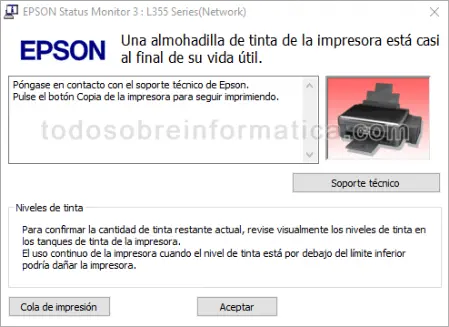
Has your Epson L355 stopped printing and displayed a warning about an ink pad nearing the end of its service life? The original article shows this message in EPSON Status Monitor 3 for the L355 Series (Network).
The warning shown
The Spanish message in the screenshot says that an ink pad is almost at the end of its service life, asks you to contact Epson support and instructs you to press the printer's Copy button to continue printing.
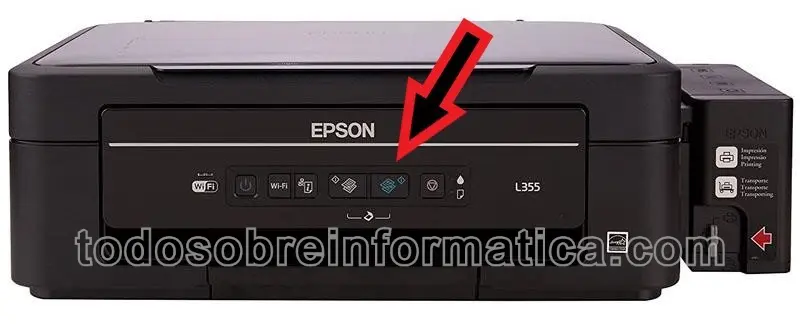
The Copy button
For the specific warning shown above, the original guide points to the Copy button in this image:
The original article also reminds readers that the ink pad will need replacing. Continuing temporarily does not remove that maintenance requirement. Follow the warning for your own printer and contact Epson support; this page does not provide a counter-reset procedure or instructions to bypass a service requirement.
Comments (0)
Comments are shown in their original language.
No comments have been published yet. Be the first to join the conversation.