DBVerifyLog lets you check the integrity of Oracle database files stored in a folder. Instead of checking each file individually from the Windows command prompt, the application presents the results together.
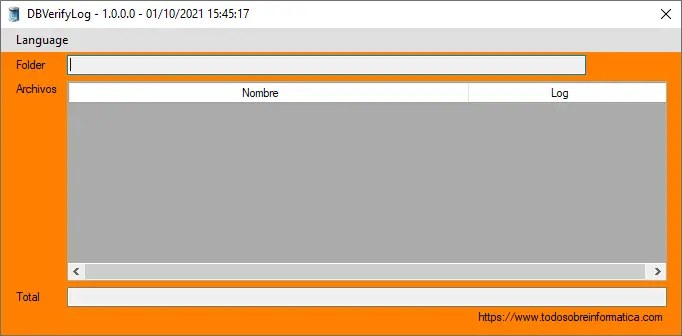
How to use DBVerifyLog
- Select a folder using the control labelled Carpeta or Folder.
- Press Verificar (Verify).
- The application creates a table with two columns: the first contains the names of the files in the selected folder, and the second contains the corresponding log for each file.
- Click a cell in the second column to read that file's log.
Downloads
Choose either of the original downloads. This page translates the instructions, not the application interface. Review the tool's requirements in your own Oracle environment before use; the translation is not a new compatibility test.
Comments (0)
Comments are shown in their original language.
No comments have been published yet. Be the first to join the conversation.